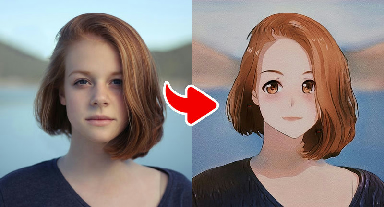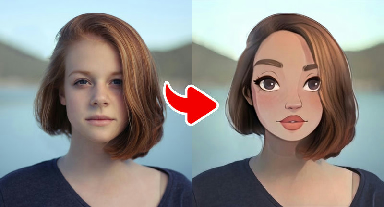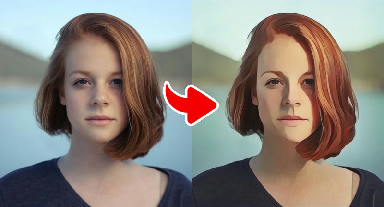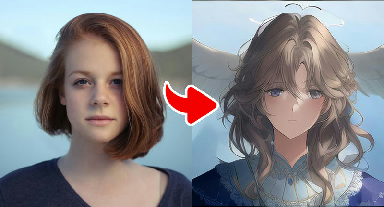
About the Japanese Anime Style Transformation effect
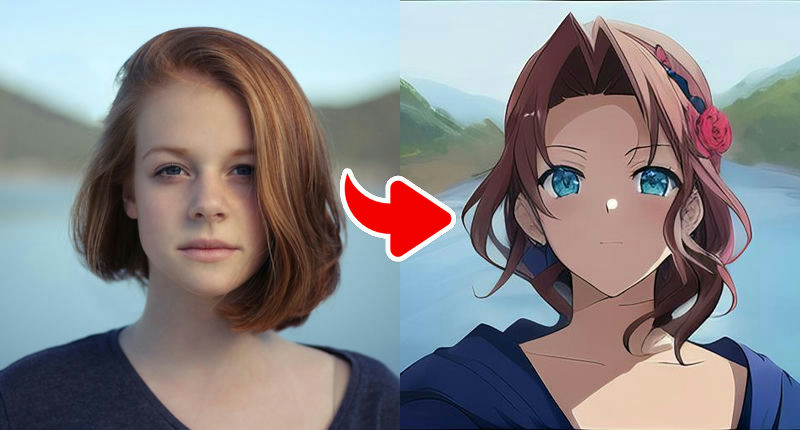
Japanese Anime Style Transformation recreates the look of TV anime: crisp line art, cel shading with clear light and shadow areas, glossy hair highlights and expressive eyes. It aims for the clean, recognizable look of a main character introduced in an opening sequence.
Cel shading depends on the direction of light in your original photo, so a picture with one clear light source (for example, a window to one side) creates the most authentic anime shadows. Front-facing or slightly angled portraits both work well.
What the effect does
- Crisp anime line art and cel shading
- Glossy hair highlights and expressive eyes
- Clean, TV-anime character look
How to use it
- Press Play now at the top of this page.
- Choose a clear, front-facing photo from your device. No account is needed.
- Wait a few seconds while the AI creates your image.
- Download the result or share it. Not happy? Try again with another photo.
Tips for the best result
- One clear light source creates authentic cel-shaded shadows.
- Slightly angled (three-quarter) portraits look very natural in anime style.
- Distinctive hairstyles translate especially well into anime hair.
- Choose a photo where your face is sharp, well lit and not covered by hands, hats or sunglasses.
- Simple backgrounds give cleaner line art; busy backgrounds can turn into visual noise.
More advice in our guide: how to take the perfect photo for AI effects.
Ideas for your result
- Make an 'anime opening' style collage of your friend group.
- Use it as an avatar for anime communities and forums.
- Compare it with the Fantasy Anime effect to choose your favorite style.
Your photo and your privacy. Your photo is used only to
create this effect, is never sold or used for advertising, and is deleted
after 30 days. Please only use photos of yourself or of people who
agreed. Results are AI-generated for entertainment and are not real
photographs. Privacy Policy ·
Responsible use
Frequently asked questions
- Which cartoon style is best for a profile picture?
- Classic Cartoon and Japanese Anime stay readable at small sizes, so they are the most reliable choices for avatars. Comic Cartoon is great when you want something bolder.
- Can I use a group photo?
- You can, but the effects are tuned for one main face. In group photos, small faces lose detail. Cropping to one person usually gives a much better result.
- Why does my cartoon look different each time?
- Generative models add a little randomness and react to lighting and angle. Re-running with a sharper or better-lit photo is the easiest way to get a different result.
- Is Gag Pie free?
- Yes. All effects are free to use. The site is supported by advertising shown on content pages.
- Do I need an account?
- No account or login is needed. You choose a photo, wait a few seconds and download or share the result.
- What happens to my photo?
- Your photo is sent over an encrypted connection to our image-processing service (and the AI provider it uses) only to create the effect. We do not sell your photos or use them for advertising, and uploaded images are deleted after 30 days. See our Privacy Policy for details.