About the Baby Transformation – Cute & Funny effect
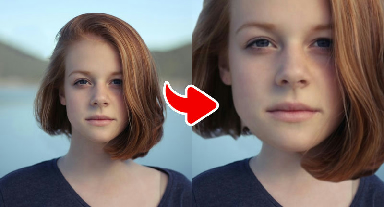
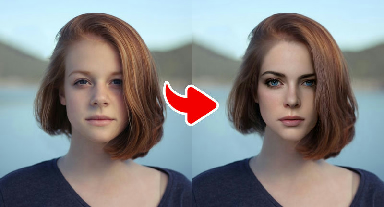
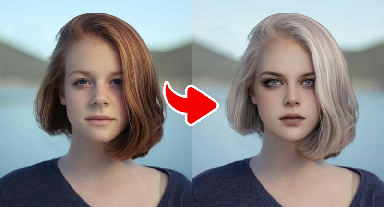
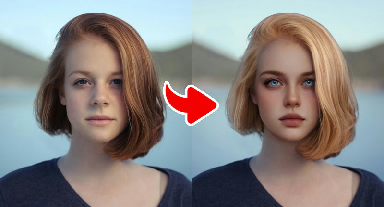
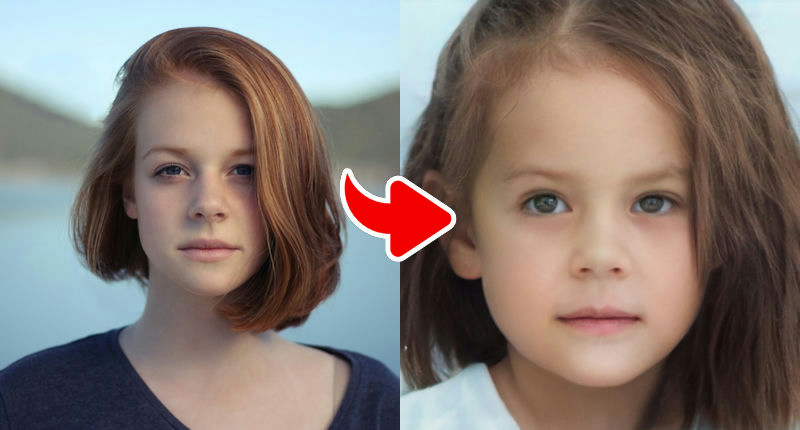
The Baby Transformation effect imagines what you might have looked like as a toddler. It rounds out the cheeks, enlarges the eyes slightly, shortens the nose and smooths the skin, while trying to keep the parts of your face that make you you — eye color, skin tone and the general shape of your smile. Many people find the result surprisingly close to their real childhood photos, which is half the fun.
Remember that this is an artistic guess produced by an AI model, not a scientific reconstruction. Results vary with lighting and angle, and facial hair or heavy makeup is usually removed or softened. Try a couple of different photos and keep the one that makes you smile the most.
What the effect does
- Rounder cheeks, larger eyes and smaller nose
- Very smooth, baby-soft skin texture
- Keeps your skin tone and general expression
- Removes or softens beards and heavy makeup
How to use it
- Press Play now at the top of this page.
- Choose a clear, front-facing photo from your device. No account is needed.
- Wait a few seconds while the AI creates your image.
- Download the result or share it. Not happy? Try again with another photo.
Tips for the best result
- A real, natural smile gives the cutest baby result.
- Use a sharp photo; blurry pictures make the face look waxy after smoothing.
- Compare the result with an actual childhood photo for a fun side-by-side post.
- Frame your photo from the chest up so there is room for wings, horns or broad shoulders.
- Bright, even lighting helps dramatic effects (like Demon) keep facial detail.
More advice in our guide: how to take the perfect photo for AI effects.
Ideas for your result
- Play 'guess who' with friends using everyone's baby versions.
- Add it to a birthday or anniversary slideshow.
- Pair it with a real baby photo to see how close the AI got.
Frequently asked questions
- Is the Baby Transformation an accurate picture of me as a child?
- No. It is an artistic guess based on your current features. Some people find it very close to their childhood photos, but it is not a reconstruction.
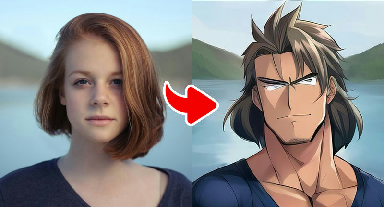
- Do I need a full-body photo for the Muscle Hero effect?
- No, but a photo from the chest or waist up works better than a tight face crop because the effect redraws the shoulders and arms.
- Are the dark effects suitable for kids?
- The Demon effect is theatrical, similar to Halloween costume make-up, and contains no gore. As always, younger users should use the site with a parent or guardian.
- Is Gag Pie free?
- Yes. All effects are free to use. The site is supported by advertising shown on content pages.
- Do I need an account?
- No account or login is needed. You choose a photo, wait a few seconds and download or share the result.
- What happens to my photo?
- Your photo is sent over an encrypted connection to our image-processing service (and the AI provider it uses) only to create the effect. We do not sell your photos or use them for advertising, and uploaded images are deleted after 30 days. See our Privacy Policy for details.