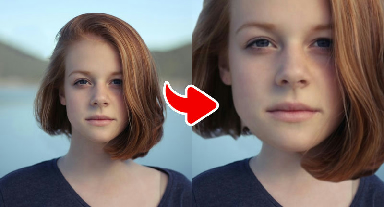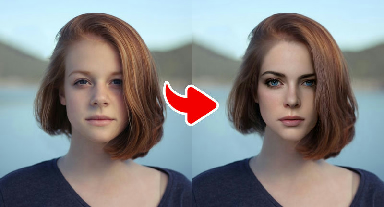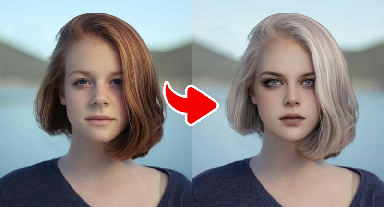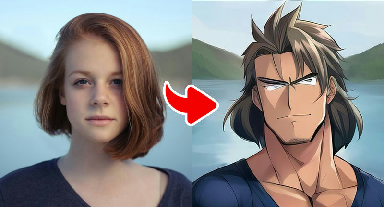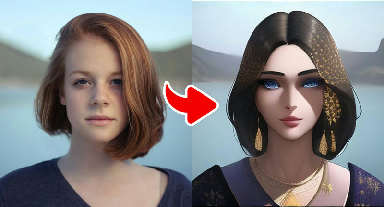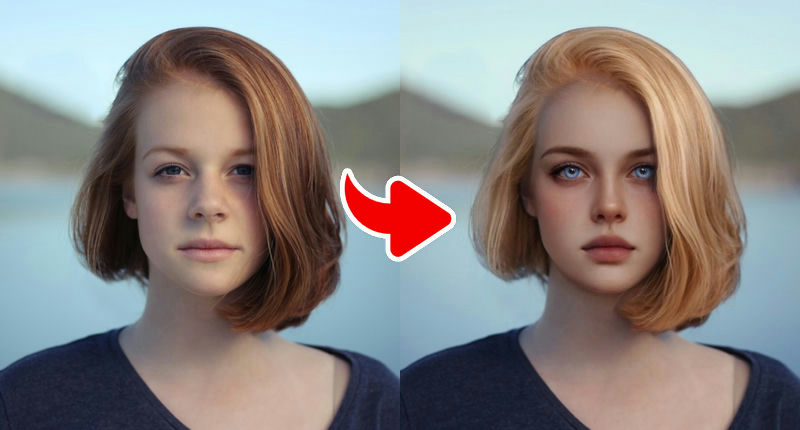
About the Angel Transformation – Heavenly Look effect
Angel Transformation bathes your portrait in soft, glowing light. Colors shift toward whites, golds and pastel blues, skin takes on a gentle luminous finish, and the effect can add classic angelic details such as a halo or feathered light around you. The overall feeling is calm, bright and dreamy.
This effect loves light. Photos taken outdoors on an overcast day or next to a big window give the smoothest glow. If your original picture is already very bright, the result can become washed out, so a balanced exposure is ideal.
What the effect does
- Soft, glowing light and luminous skin
- Heavenly palette of whites, golds and pastels
- Angelic details such as halos and light feathers
How to use it
- Press Play now at the top of this page.
- Choose a clear, front-facing photo from your device. No account is needed.
- Wait a few seconds while the AI creates your image.
- Download the result or share it. Not happy? Try again with another photo.
Tips for the best result
- Balanced exposure works best — avoid photos that are already overexposed.
- A soft smile or a calm expression matches the serene style.
- Light-colored clothing blends naturally with the heavenly palette.
- Frame your photo from the chest up so there is room for wings, horns or broad shoulders.
- Bright, even lighting helps dramatic effects (like Demon) keep facial detail.
More advice in our guide: how to take the perfect photo for AI effects.
Ideas for your result
- Pair it with the Demon effect for a 'which side are you on?' post.
- Create a gentle tribute image for a birthday or holiday card.
- Use it as a calm, bright profile picture.
Your photo and your privacy. Your photo is used only to
create this effect, is never sold or used for advertising, and is deleted
after 30 days. Please only use photos of yourself or of people who
agreed. Results are AI-generated for entertainment and are not real
photographs. Privacy Policy ·
Responsible use
Frequently asked questions
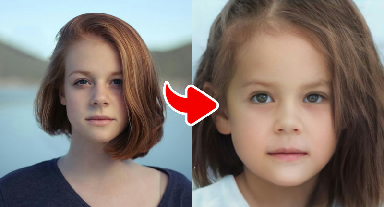
- Is the Baby Transformation an accurate picture of me as a child?
- No. It is an artistic guess based on your current features. Some people find it very close to their childhood photos, but it is not a reconstruction.
- Do I need a full-body photo for the Muscle Hero effect?
- No, but a photo from the chest or waist up works better than a tight face crop because the effect redraws the shoulders and arms.
- Are the dark effects suitable for kids?
- The Demon effect is theatrical, similar to Halloween costume make-up, and contains no gore. As always, younger users should use the site with a parent or guardian.
- Is Gag Pie free?
- Yes. All effects are free to use. The site is supported by advertising shown on content pages.
- Do I need an account?
- No account or login is needed. You choose a photo, wait a few seconds and download or share the result.
- What happens to my photo?
- Your photo is sent over an encrypted connection to our image-processing service (and the AI provider it uses) only to create the effect. We do not sell your photos or use them for advertising, and uploaded images are deleted after 30 days. See our Privacy Policy for details.