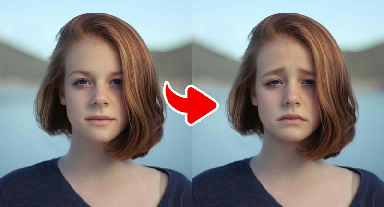
Beauty filters & expression effects
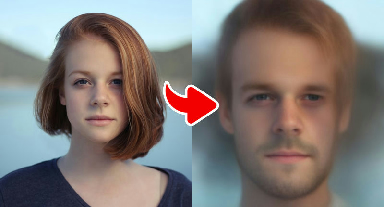
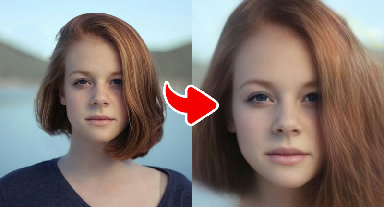
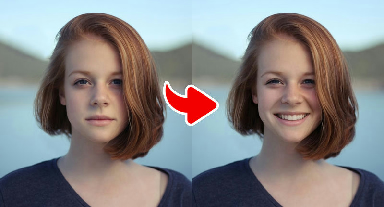
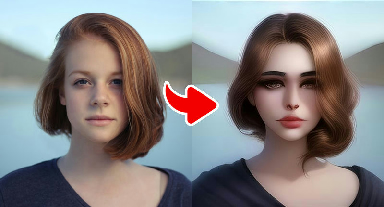
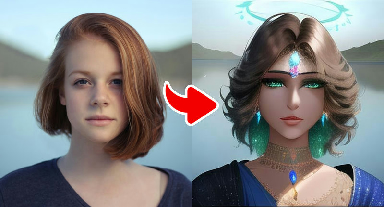
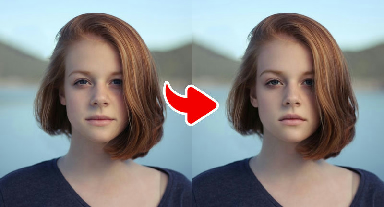
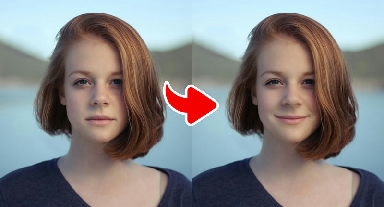
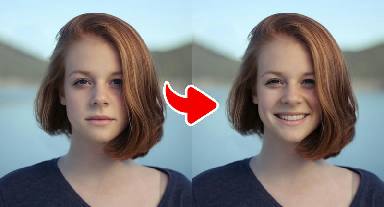
Realistic filters and expression edits: add a smile or dimples, try a dreamy glow, or see a gender-swapped version of yourself.
Beauty and filter effects keep your photo realistic while changing a specific detail. Expression edits — such as Classic White Teeth Smile, Tight Smile, Cool Expression, Add Cute Dimples and Sad Face — adjust your mouth, cheeks, eyes and brows together so the new expression looks natural. Mood filters like Dreamy and Exotic change the light and color of the whole picture, and the two Gender Swap effects reimagine your features with a different gender presentation.
These effects are useful when you like a photo but want a different mood: a warmer smile, a calmer look, a golden-hour glow or an icy editorial finish. They are also a fun way to start conversations about resemblance — many people try the gender swap effects together with siblings or friends.
Because these edits are realistic, please use them responsibly. They are made for entertainment and social sharing, not for ID photos, dating profiles that should show your real appearance, or anything meant to mislead. Only edit photos of yourself or of people who agreed, and be kind when sharing results.