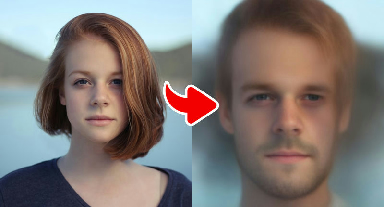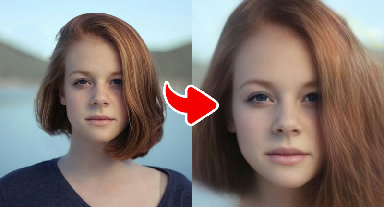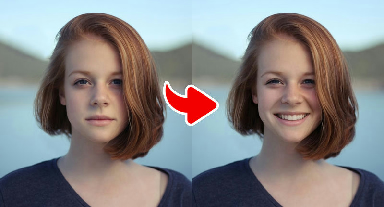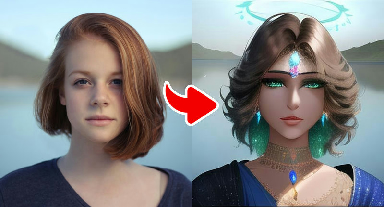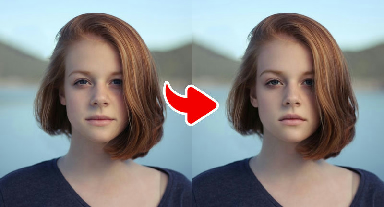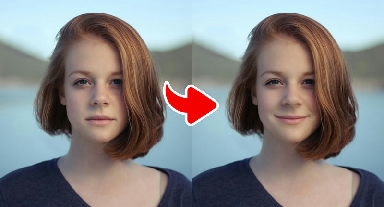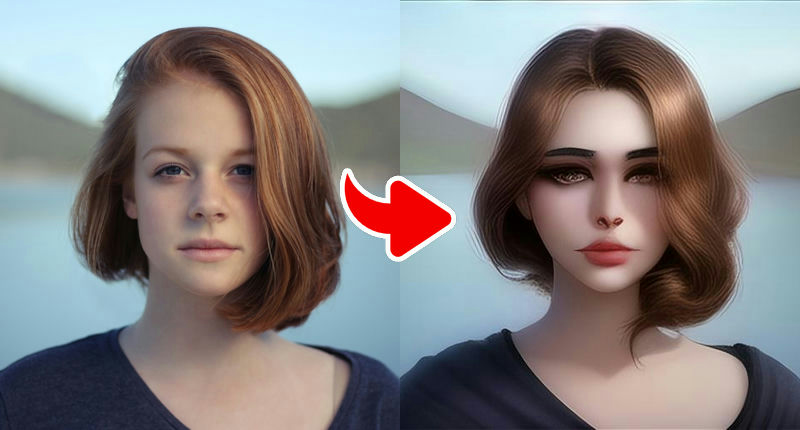
About the Dreamy AI Filter – Soft & Beautiful Vibes effect
The Dreamy AI Filter gives your photo a soft, romantic finish: a gentle glow, slightly smoothed skin, warm tones and a hazy depth that recalls film photography. It keeps your photo realistic — no cartoon lines — but makes it feel like it was taken during golden hour.
Use it when you want a flattering, calm portrait rather than a dramatic transformation. It is particularly pleasant on outdoor pictures and on photos with plants, sunsets or city lights in the background, which turn into soft bokeh.
What the effect does
- Soft glow and gentle skin smoothing
- Warm, romantic golden-hour tones
- Realistic style with a film-like haze
How to use it
- Press Play now at the top of this page.
- Choose a clear, front-facing photo from your device. No account is needed.
- Wait a few seconds while the AI creates your image.
- Download the result or share it. Not happy? Try again with another photo.
Tips for the best result
- Outdoor photos with depth (trees, lights) produce the nicest dreamy background.
- Avoid photos that are already heavily filtered to keep skin natural.
- Natural, relaxed expressions match the calm mood of the filter.
- Front-facing portraits with even light on both sides of the face give the most natural edits.
- Make sure your mouth and eyes are fully visible for expression effects.
More advice in our guide: how to take the perfect photo for AI effects.
Ideas for your result
- Refresh an older profile picture with a soft, warm finish.
- Use it for anniversary or Valentine's Day posts.
- Create a calm, aesthetic grid of travel portraits.
Your photo and your privacy. Your photo is used only to
create this effect, is never sold or used for advertising, and is deleted
after 30 days. Please only use photos of yourself or of people who
agreed. Results are AI-generated for entertainment and are not real
photographs. Privacy Policy ·
Responsible use
Frequently asked questions
- Will the filters change my photo's background?
- Expression edits mostly leave the background alone. Mood filters such as Dreamy and Exotic adjust the color and light of the entire image, including the background.
- Can I use the edited photo for official documents?
- No. All Gag Pie results are entertainment edits and must not be used for passports, IDs or any situation where your real appearance is required.
- Why didn't the smile effect work on my photo?
- The most common reasons are a hidden mouth (hands, food, microphone), a strong side angle or very low light. Try a clear, front-facing photo.
- Is Gag Pie free?
- Yes. All effects are free to use. The site is supported by advertising shown on content pages.
- Do I need an account?
- No account or login is needed. You choose a photo, wait a few seconds and download or share the result.
- What happens to my photo?
- Your photo is sent over an encrypted connection to our image-processing service (and the AI provider it uses) only to create the effect. We do not sell your photos or use them for advertising, and uploaded images are deleted after 30 days. See our Privacy Policy for details.